Quick Start
This guide walks you through signing in to VIA Online and asking your first question.
Step 1 — Sign in
Navigate to the VIA Online URL provided by your administrator. Enter your email and password.
VIA Online — sign in
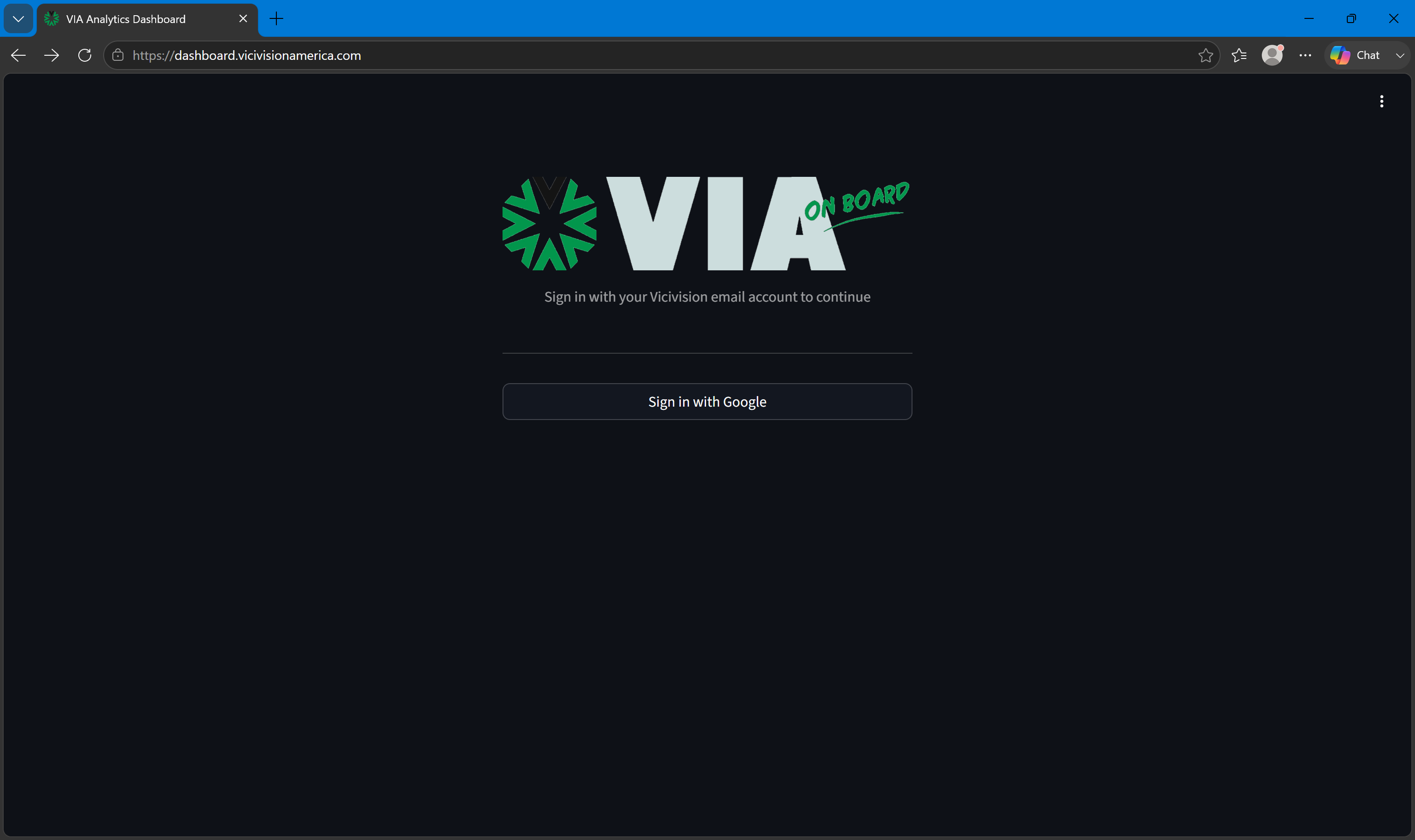
If you don't have an account, contact your administrator — accounts are created by admins, not self-registered.
Step 2 — Start a chat
After signing in you land on the Chat page. Type a question in the input box and press Enter.
VIA Online will search the indexed document library for relevant content and return an answer with citations showing which documents it drew from.
Example questions:
- "What does error code E45 mean?"
- "What is the correct torque spec for the spindle assembly?"
- "How do I perform a calibration reset on the PGX series?"
Step 3 — Follow citations
Every answer includes citations. Click a citation to open the source document — this lets you read the full context around the answer.
Step 4 — Search documents directly
Click Search in the sidebar to browse and search the indexed document library without going through chat. This is useful when you know which document you're looking for.
Next steps
- See Chat for a full guide to using the AI assistant effectively.
- See Documents for document search and (if you're an admin) uploading new documents.
- See User Management if you need to invite team members.