Service
The Service section provides tools for submitting support requests, reviewing submitted requests, reviewing service history, and tracking calibration events. Navigate here from the main menu or the sidebar.
Four tabs
| Tab | Purpose |
|---|---|
| New Request | Submit a service request to ViciVision support |
| Open Requests | Review and manage submitted requests for this machine |
| Service History | Chronological record of completed service work |
| Calibration History | Calibration events recorded by Calibration Guard |
New Request
Use this form to submit a service request to ViciVision support. The Machine ID is pre-filled from Settings → Log → Machine ID and is read-only.
New Request form
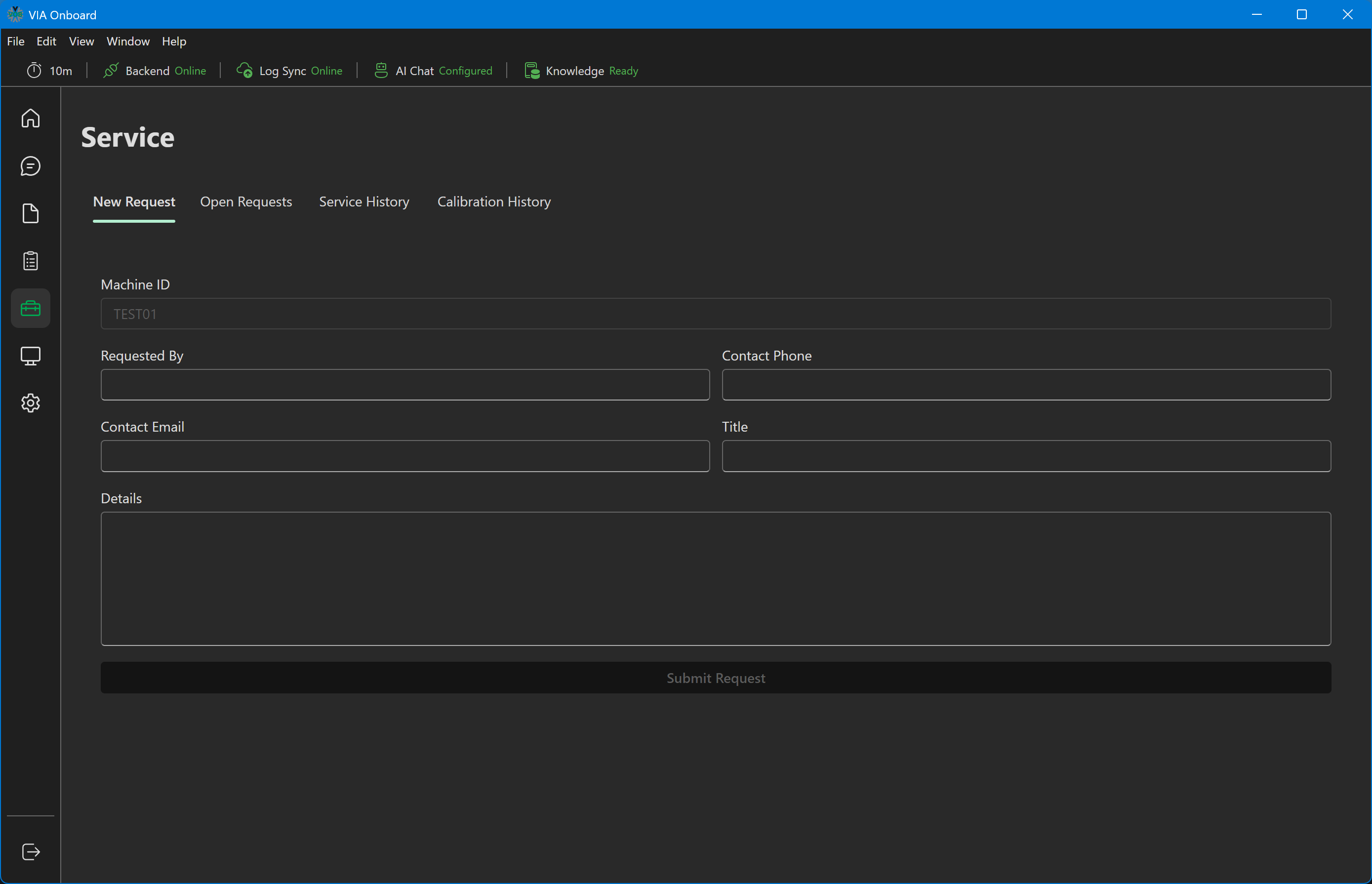
Fields:
| Field | Required | Description |
|---|---|---|
| Machine ID | Auto-filled | Read from Settings → Log → Machine ID — read-only |
| Requested By | Optional | Name of the person submitting the request |
| Contact Phone | Optional | Phone number for follow-up |
| Contact Email | Optional | Email address for follow-up |
| Title | Required | Short description of the issue |
| Details | Required | Full description — include error codes, symptoms, and steps already tried |
Click Submit Request when all required fields are filled. A success confirmation appears when the request is sent.
Open Requests
A table of all service requests submitted from this machine (Created, Machine, Title, Requested By, Contact, Status, Notes).
Open Requests
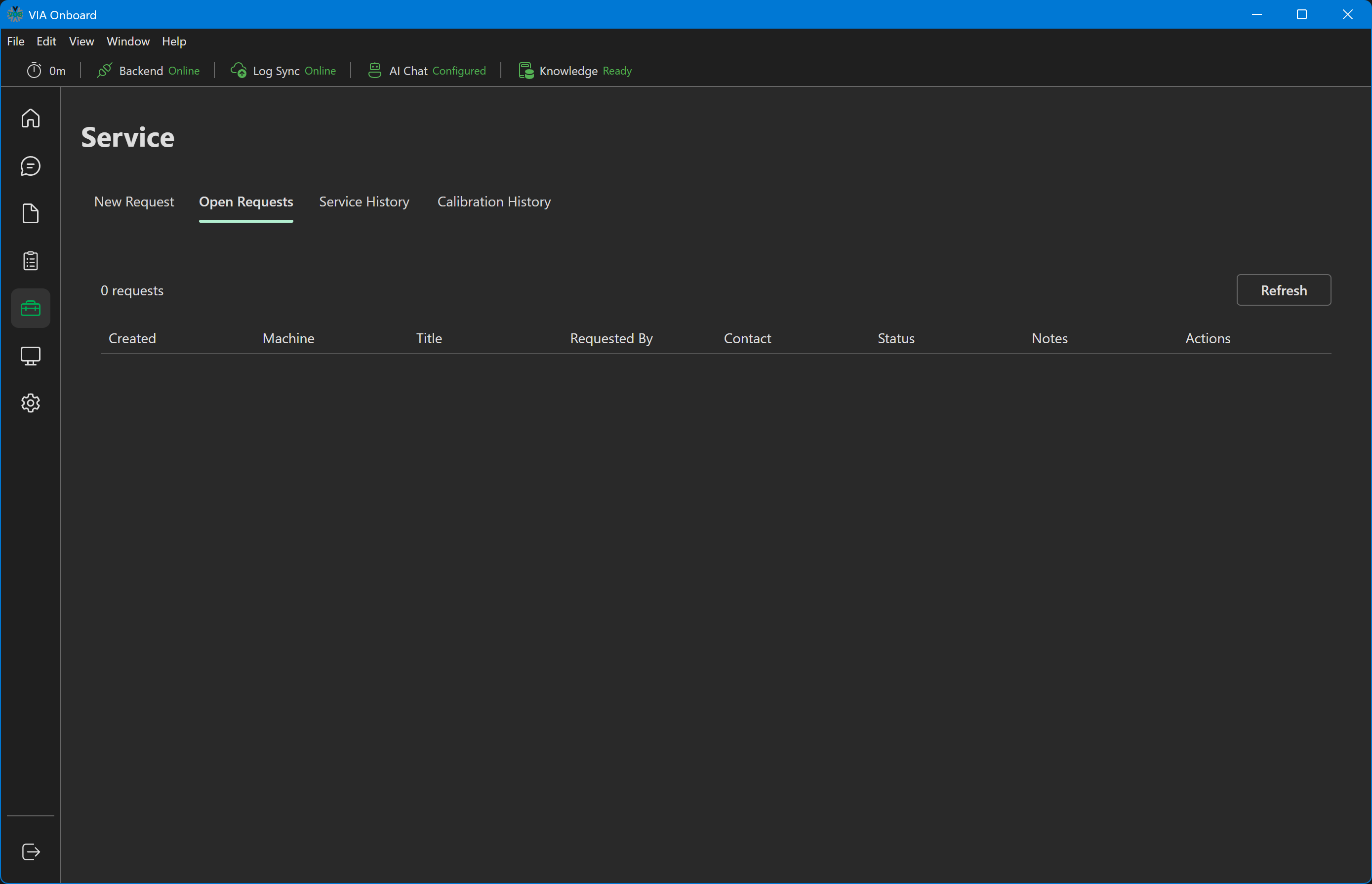
Each row has a Cancel button to cancel an open request, or a Resubmit button if the request was previously cancelled. Requests marked Resolved, Closed, or Done have no action available.
Service History
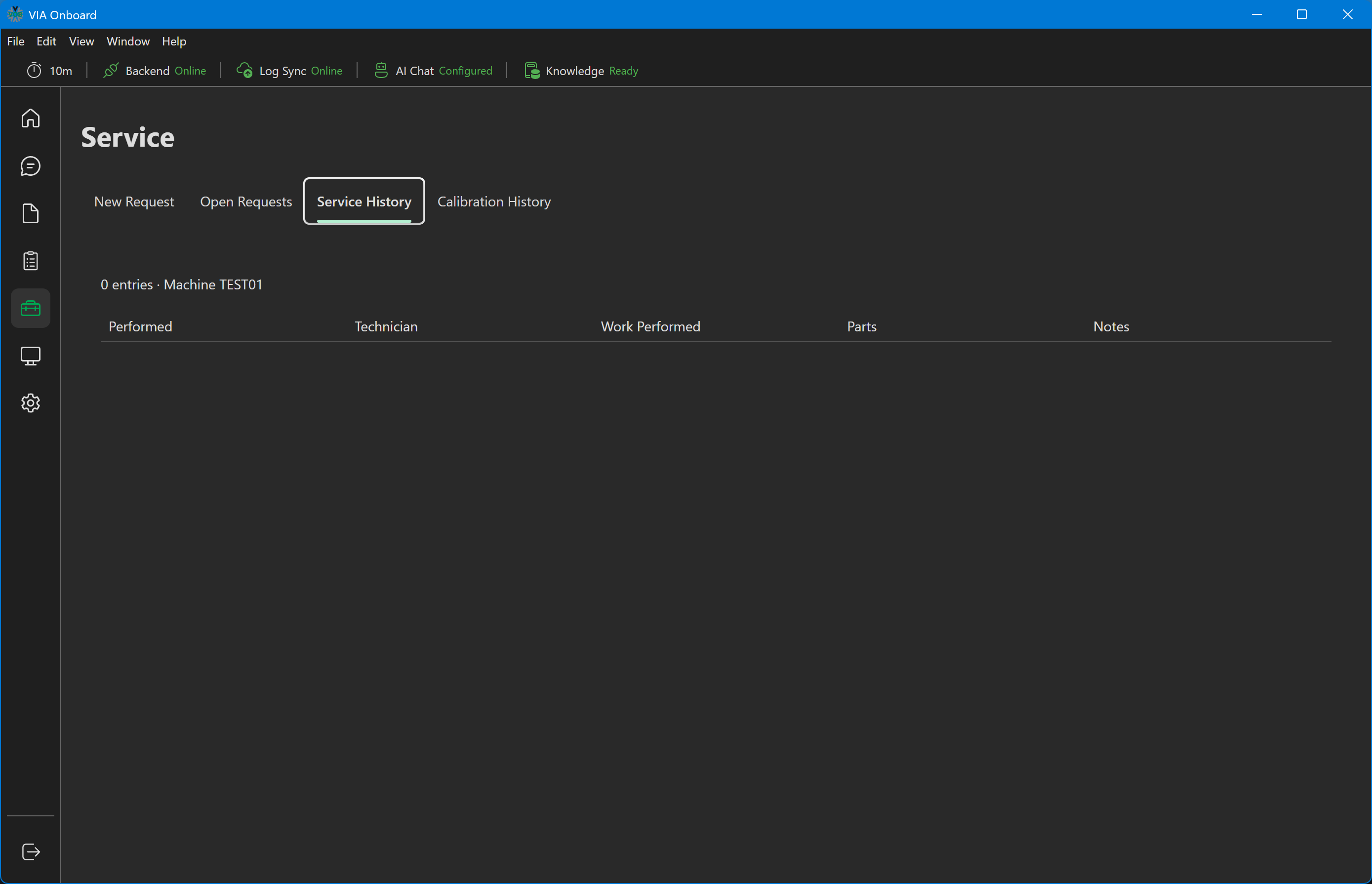
A chronological record of completed service work performed on this machine, with columns for Performed (date), Technician, Work Performed, Parts, and Notes.
Service History
Calibration History
A placeholder for calibration event history recorded by Calibration Guard. This feature is not yet fully implemented — the tab currently shows a "coming soon" message. Calibration Guard log data can be reviewed directly in C:\ProgramData\ViciCalibGuard\guard.log in the meantime.
Calibration History
License key management
Calibration Guard license keys are installed from Settings → Service, not from within the Service section itself. See the Calibration Guard — License Keys documentation for details.