Chat
The Chat section is VIA Onboard's AI assistant. Ask it questions in plain language and it answers using context from your indexed document library. It works entirely offline — no internet connection is required for the AI features.
Navigate here from the main menu or the sidebar.
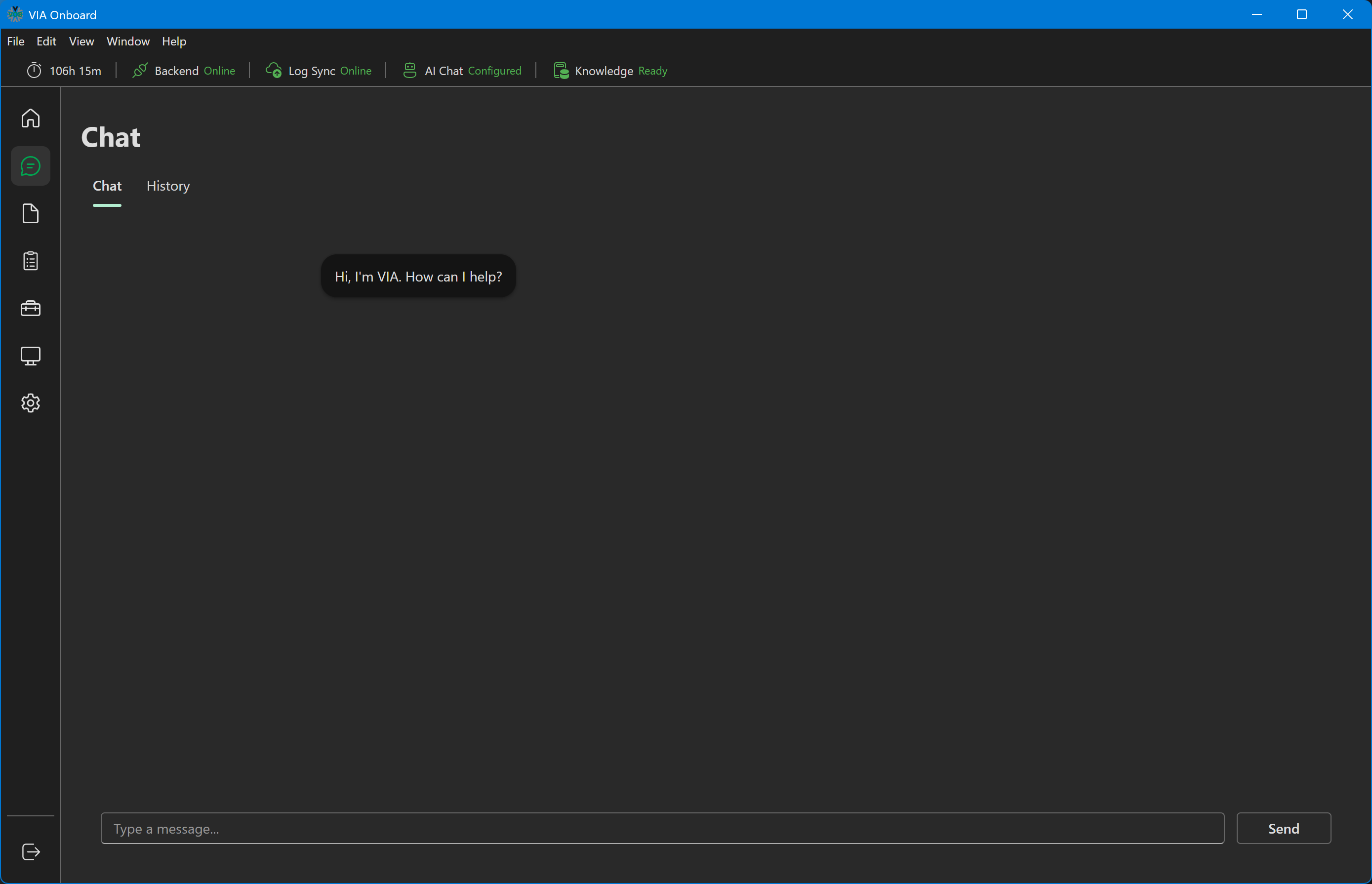
Starting a new conversation
Click New Chat (or navigate to the Chat section — it opens a new conversation by default).
Type your question in the input box at the bottom and press Enter or click Send.
Chat — new conversation
How answers are generated
VIA Onboard uses a retrieval-augmented generation (RAG) approach:
- Your question is converted to a vector embedding.
- The most semantically similar passages from your indexed document library are retrieved from ChromaDB.
- Those passages are sent to the language model as context.
- The model generates an answer grounded in those passages.
This means answers are directly tied to your uploaded documents — the AI is not making things up from general training knowledge. If a topic isn't covered in your documents, the AI will say so.
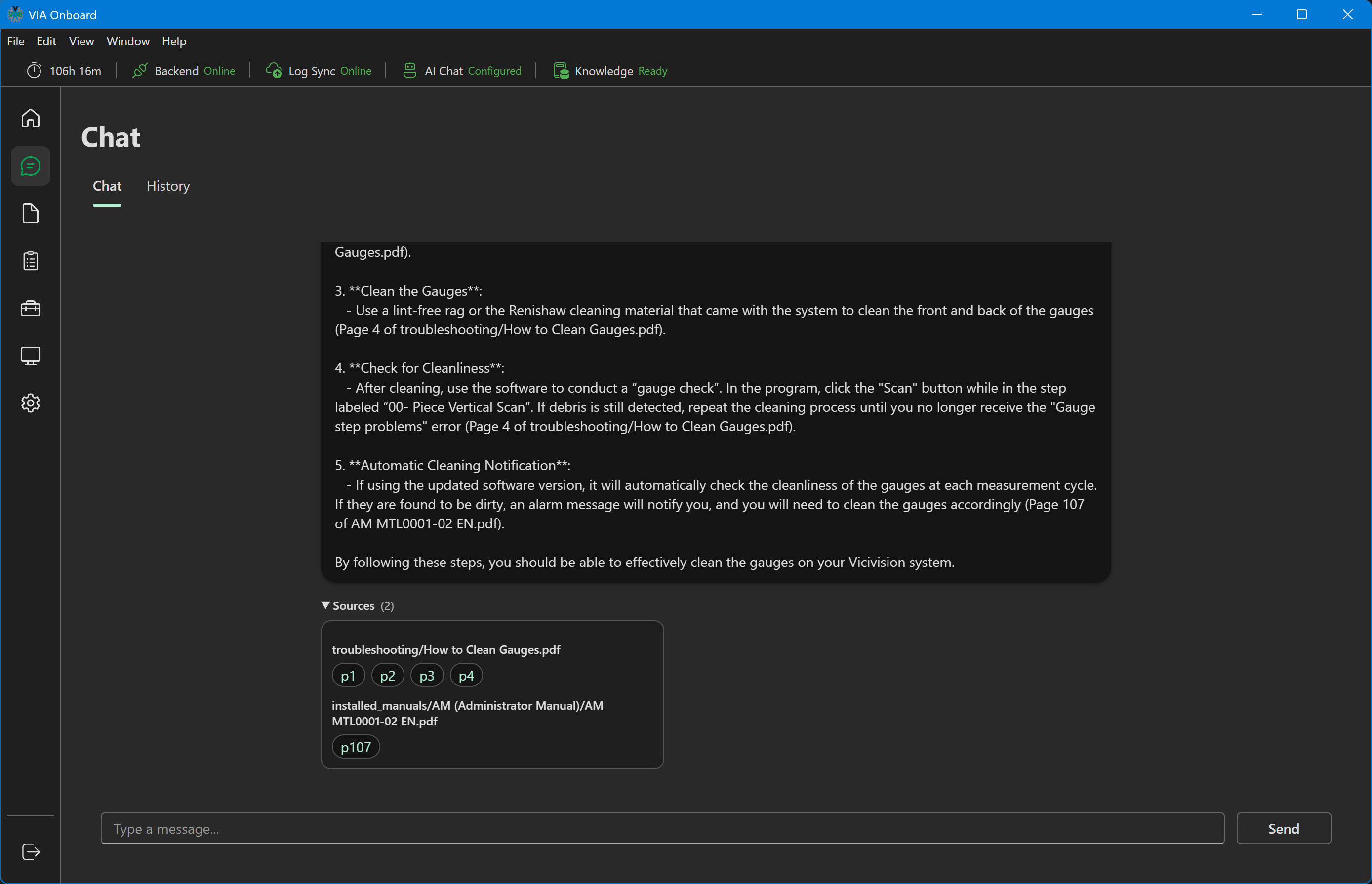
Citations
Every answer includes citations showing which documents and pages the response is based on. Citations appear in a collapsible "Sources" panel below the answer, grouped by document with clickable page-number pills.
Click a page pill to open that PDF — by default, in VIA Onboard's built-in viewer, jumping straight to the cited page. This can be switched to always open in your system's default PDF application instead via Settings → Document → Open PDFs in the built-in viewer; in that mode, the document opens from the beginning rather than the cited page.
Chat answer with citations
Continuing a conversation
Questions within the same conversation maintain context — you can ask follow-up questions without restating everything.
Example:
"What does error code E45 mean?" (receives answer) "What are the steps to clear it?" (the AI understands "it" refers to E45)
Chat history
All conversations are saved automatically. Access previous conversations via the History tab within the Chat section, which shows each conversation's first message and timestamp. Refresh reloads the list, and Clear deletes all saved conversations.
Chat history list
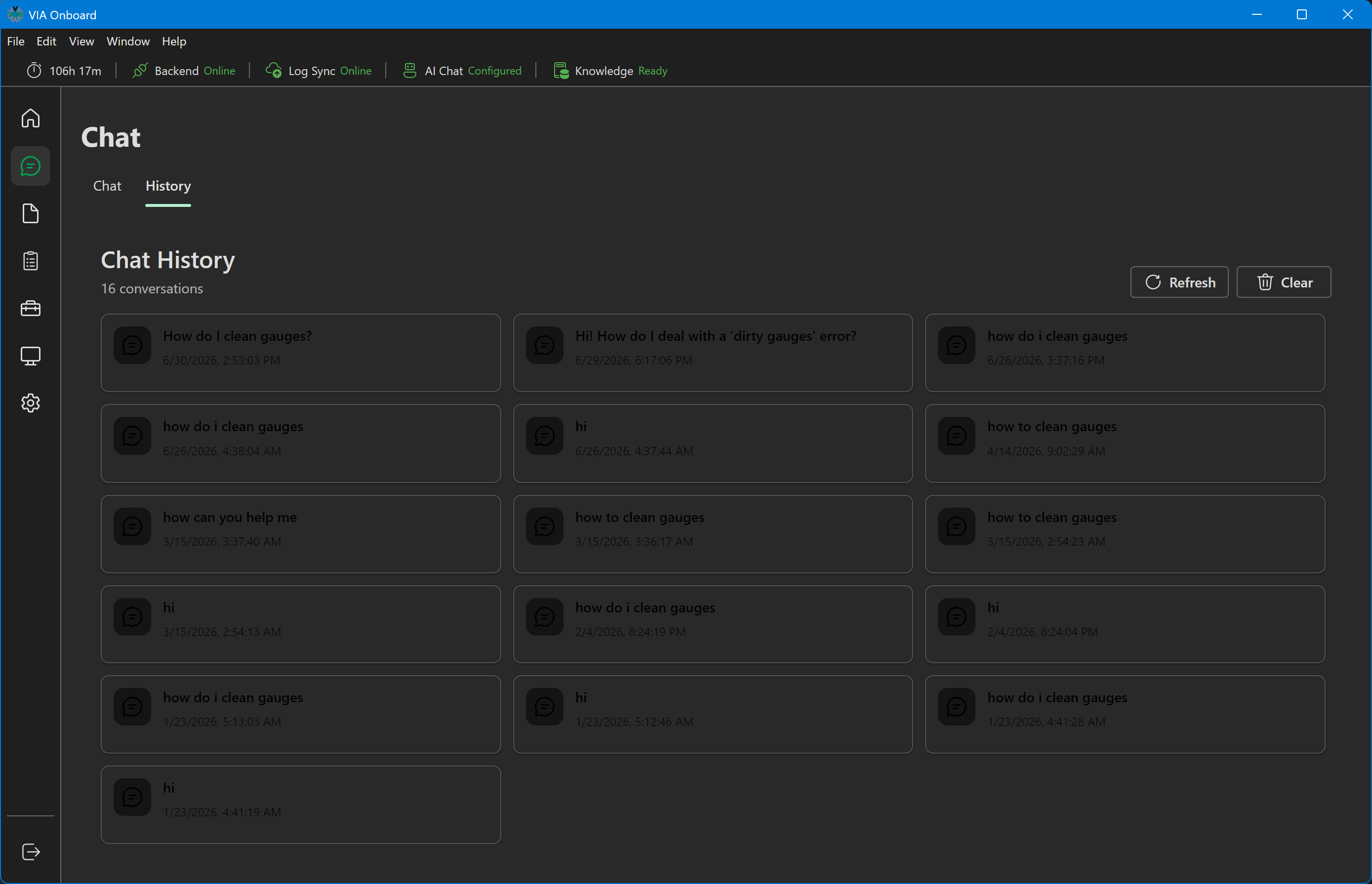
Click any conversation in the history list to resume it. The full message thread loads and you can continue asking questions.
Resuming a conversation
When you resume a conversation from history, VIA Onboard reloads the message thread and the AI continues with the same context. Old citations remain clickable.
Limitations
Chat is grounded in your documents only. If you ask a question about something not covered in the bundled document library, the AI cannot answer accurately.
Offline-only LLM. VIA Onboard uses a locally running language model. Response quality and speed depend on the available hardware resources. On low-RAM machines, responses may be slow during periods of high system utilization.
Long answers may take a moment. The AI generates responses token by token — for complex questions, the response streams in progressively.
Settings
Settings → Chat currently contains a single "Save chat history" toggle, and it's disabled in this version. There are no user-configurable model, API key, or endpoint settings — those are fixed at build time.